Privacy Policy
This Privacy Policy explains how YAHSHUA One collects, uses, and protects your personal and company data across payroll, accounting, and related apps.
We process the information you provide to deliver the service, comply with statutory obligations, and keep your account secure. We do not sell your data.
The full policy is being finalized. This page will be updated with the complete details.
Delete Account Request
You can request deletion of your Yahshua One account directly from the mobile app.
How to request account deletion in the app
- Open the Yahshua One app and sign in to your account.
- Go to Profile.
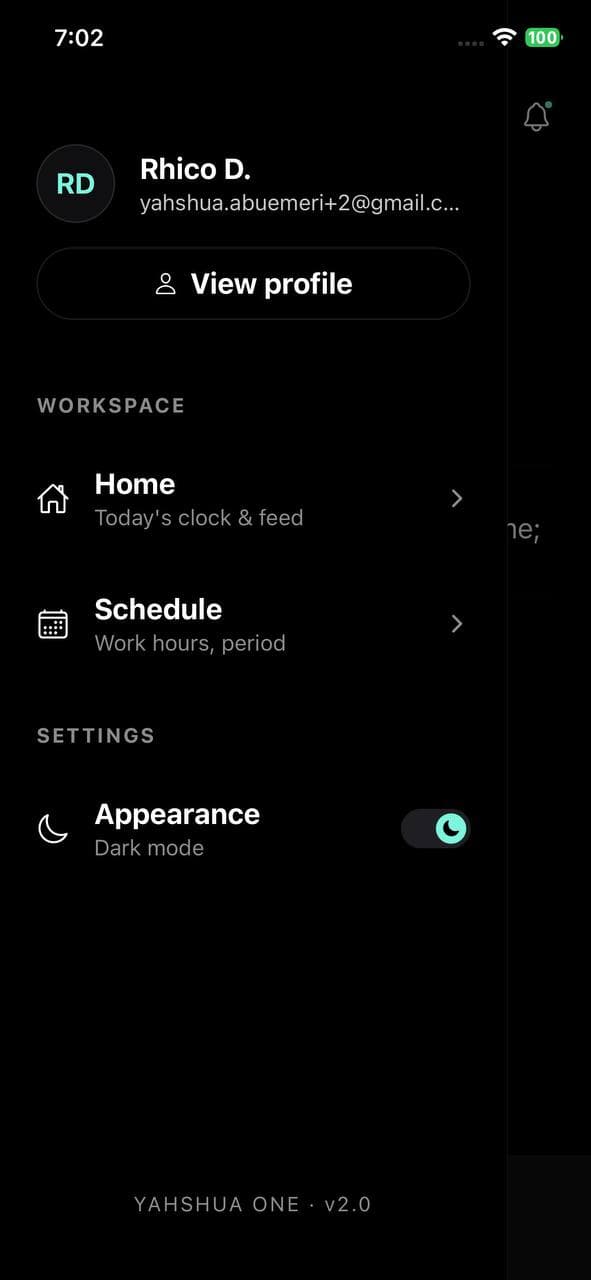
Open your profile from the app menu. - Tap Delete account.
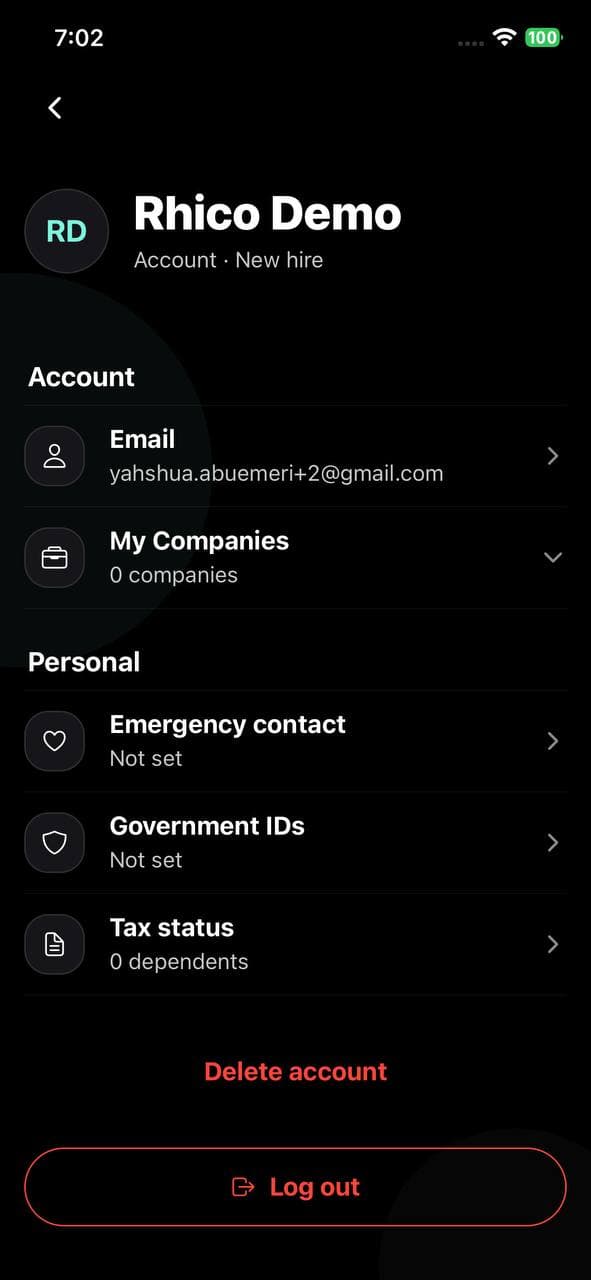
Select Delete account from your profile. - Review the information about the data associated with your account.
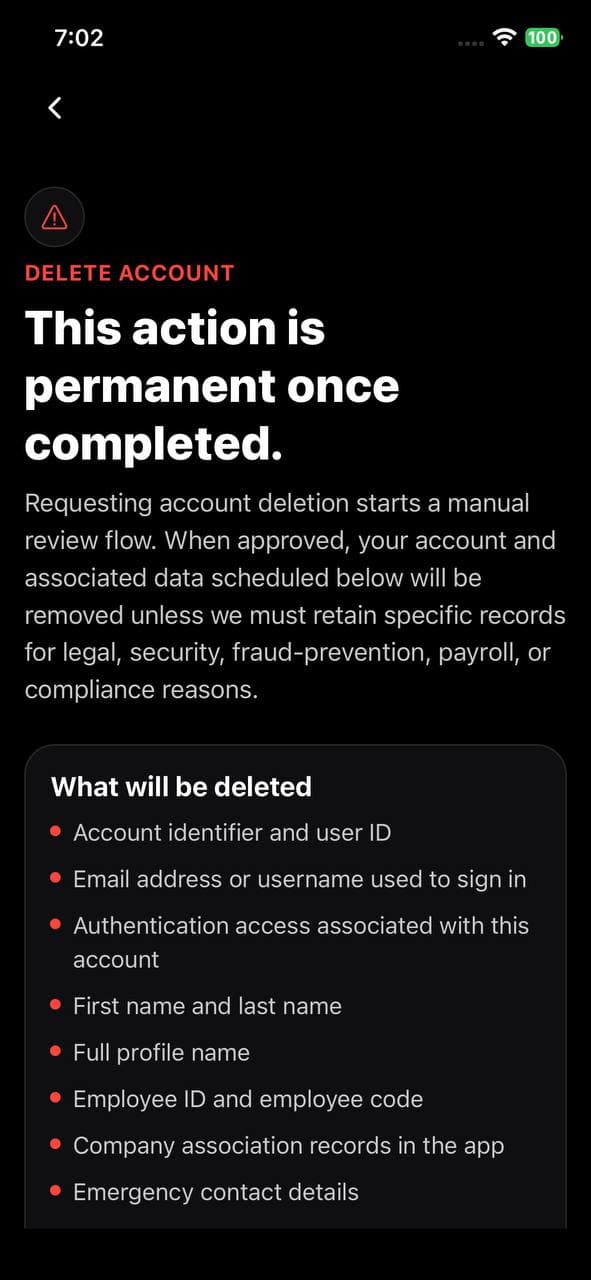
Review the account data covered by the request. - Type delete in the confirmation field.
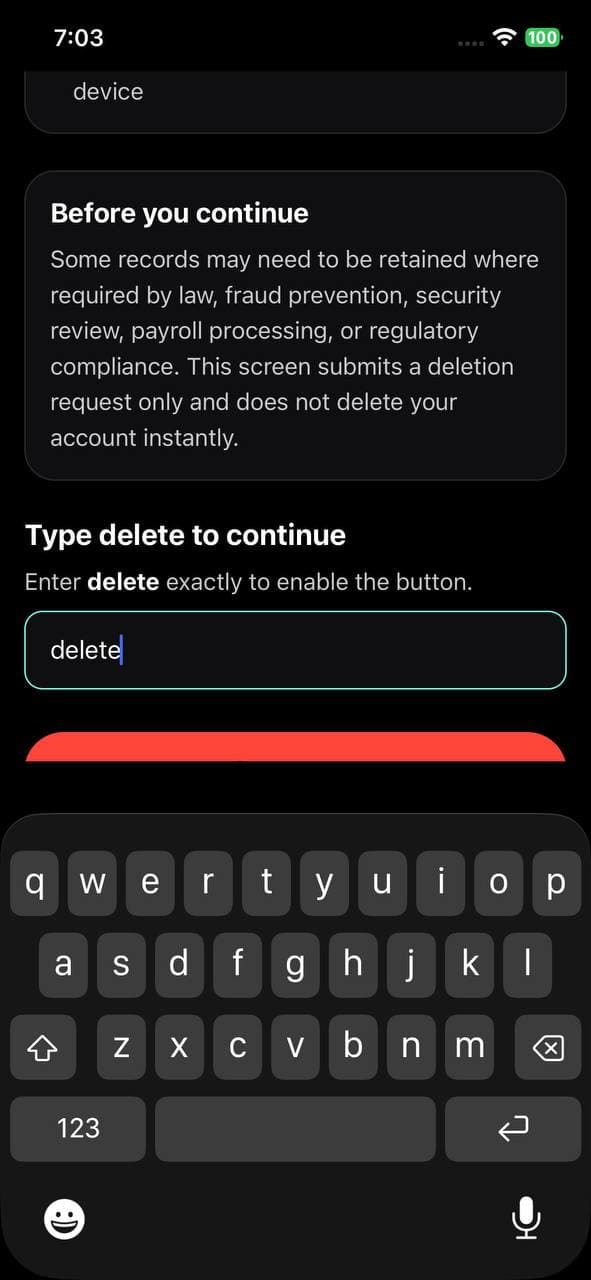
Type delete exactly to enable the button. - Tap Delete account to submit your request.
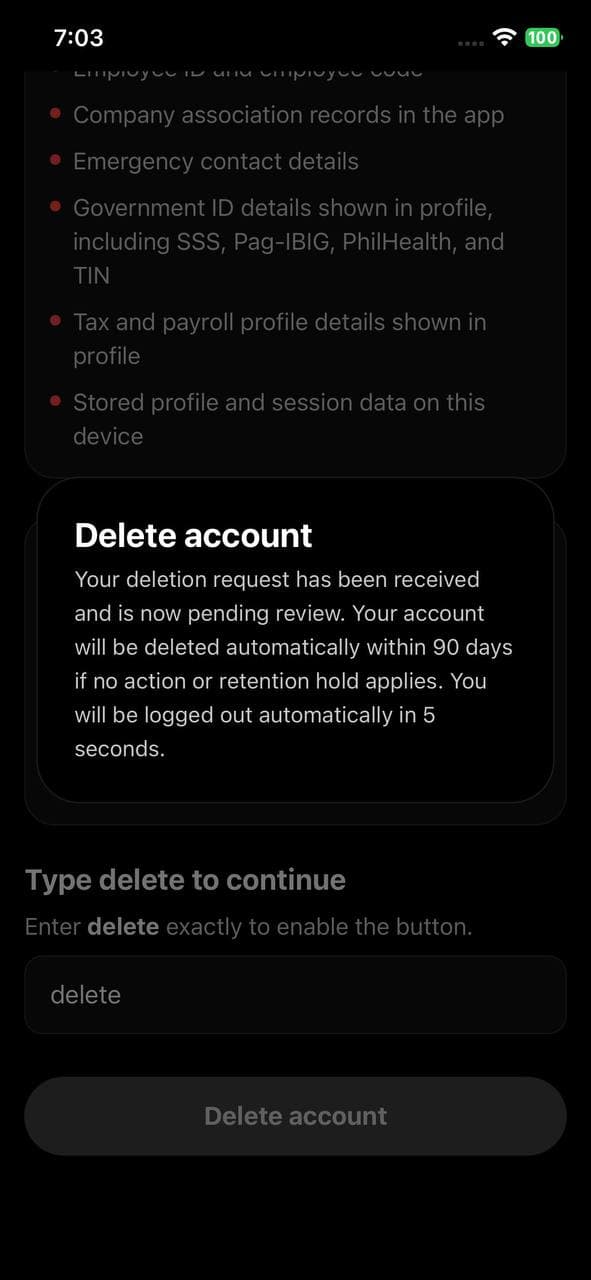
The app confirms that your request is pending review.
What happens next
Your account deletion request will be placed under review. If no action or retention hold applies, your account will be scheduled for deletion within 90 days.
Data that may be deleted
Deletion may include the account data associated with your profile, such as:
- User ID or account identifier
- Email address or username
- Authentication-related account access
- First name and last name
- Full profile name
- Employee ID and employee code
- Company association records in the app
- Emergency contact details
- Government ID details shown in your profile
- Tax and payroll profile details shown in your profile
- Stored profile and session data on your device
Need help
If you cannot access the mobile app and need help with your deletion request, contact us at michaelbayron@abba.works